
Phone case mockups for Etsy. 17 photos in about 7 seconds.
Pick five designs. Shop Pilot fits each one to the case, keeps the camera area clear and makes every photo of the listing, numbered in your shop's photo order.
- 17photos per listing
- About 7 sto make all 17
- 5designs per listing
- 70phone models as variations
Every photo a phone case listing needs. Picked once, made every time.
Tick the templates you want and number them once. Every listing gets the same set, with its own five designs on it.
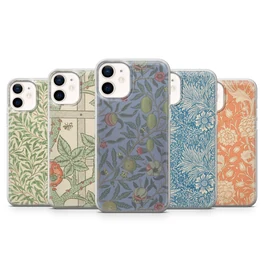
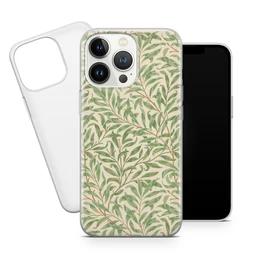
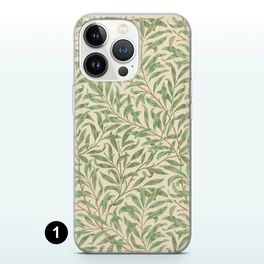
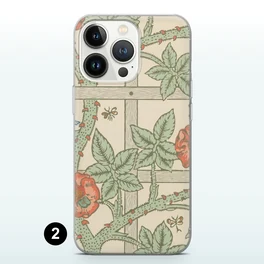
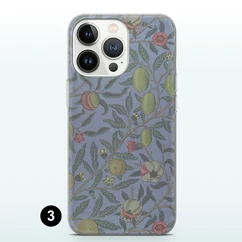
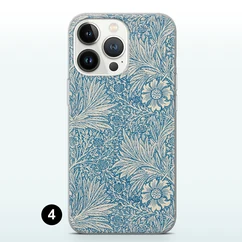
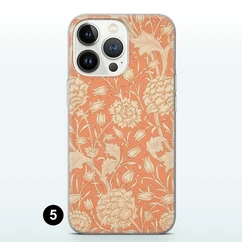
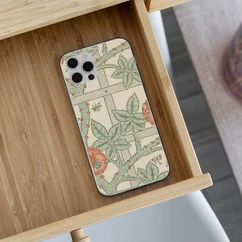
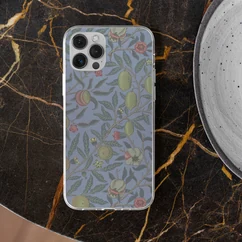
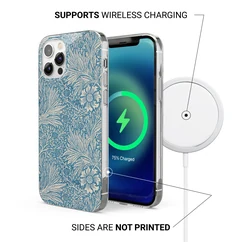
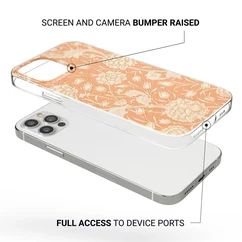
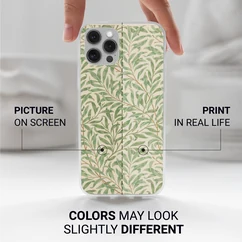
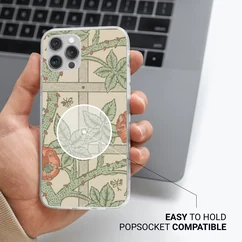
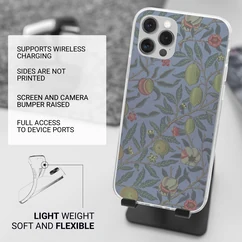
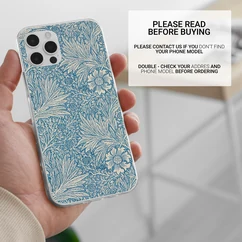
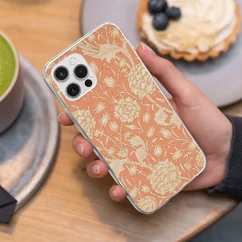
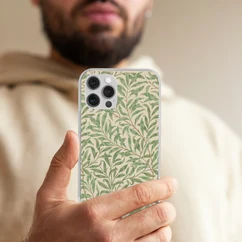
One real listing as Shop Pilot made it: five William Morris patterns, 17 photos, in the order they appear on Etsy.
- Photo 1
All five designs
The whole set together, so a shopper sees every design before scrolling. It is always included.
- Photo 2
Case and phone
The case beside the phone, so the style is clear at a glance.
- Photos 3 to 7
Each design on its own
One photo per design, marked 1 to 5, so a buyer knows which number to choose.
- Photos 8 and 9
Lifestyle scenes
The case on a wooden drawer and on a marble table.
- Photos 10 to 15
Info photos
Wireless charging, unprinted sides, the raised edge around screen and camera, open ports, grip and PopSocket use, a note that colors can look slightly different, and a “please read before buying” card.
- Photos 16 and 17
In the hand
The case held in real light, so buyers see its size.
Want a different set? Untick any template, change the order, or add your own with smart mockups or your own PSD files.
From five designs to a finished listing.
Pick five designs
Find them with Curate from one sentence, save them with the browser extension, or put your own files in a listing folder. Each set of five becomes one listing.
Auto prep fits them
Each design is sized to the case with the camera area kept clear of important art. You see the fit before any mockup is made.
The photos are made
All 17 photos in about 7 seconds, numbered in your photo order and saved in the listing folder on your computer. Send every set on in one go.
The listing goes up
Shop Pilot writes the title, 13 tags and description, fills in all 70 phone models and posts it live, or as a draft to check first.

Everything in the mockup step. No Photoshop needed.
Auto prep
Each design is fitted to the case for you, with the camera area kept clear of important art. You see the fit before the mockups are made.
Sets of five
Click the designs you want, in order. They fall into sets of five, and each set becomes one listing.
Photo order
Give each gallery spot a photo once. Every listing puts the matching photo in the same spot, so the right one always leads.
Background Changer
Put phone case mockups on a new background color, a few photos or whole folders at a time. Save each color as a preset.
Mockup Editor
Move or resize a design right in the dashboard, with layers, crop and AI upscale for small designs.
Smart mockups
Photograph your own blank case and mark the four corners of the print area. Round the corners and bend the edges to match, and every design drops straight into it.
Smart and PSD mockupsYour own info photos
A size chart, a care card or a shipping note goes into every listing exactly as it is, with no design on it.
Design files only
Need print files and no mockups? Shop Pilot can prepare the designs on their own.
The mockups are only the start. The listing writes itself.
About 37 seconds a listing. Shop Pilot writes the title, 13 tags and description for the five designs in it, and fills in prices, shipping and all 70 phone models from your shop's setup.
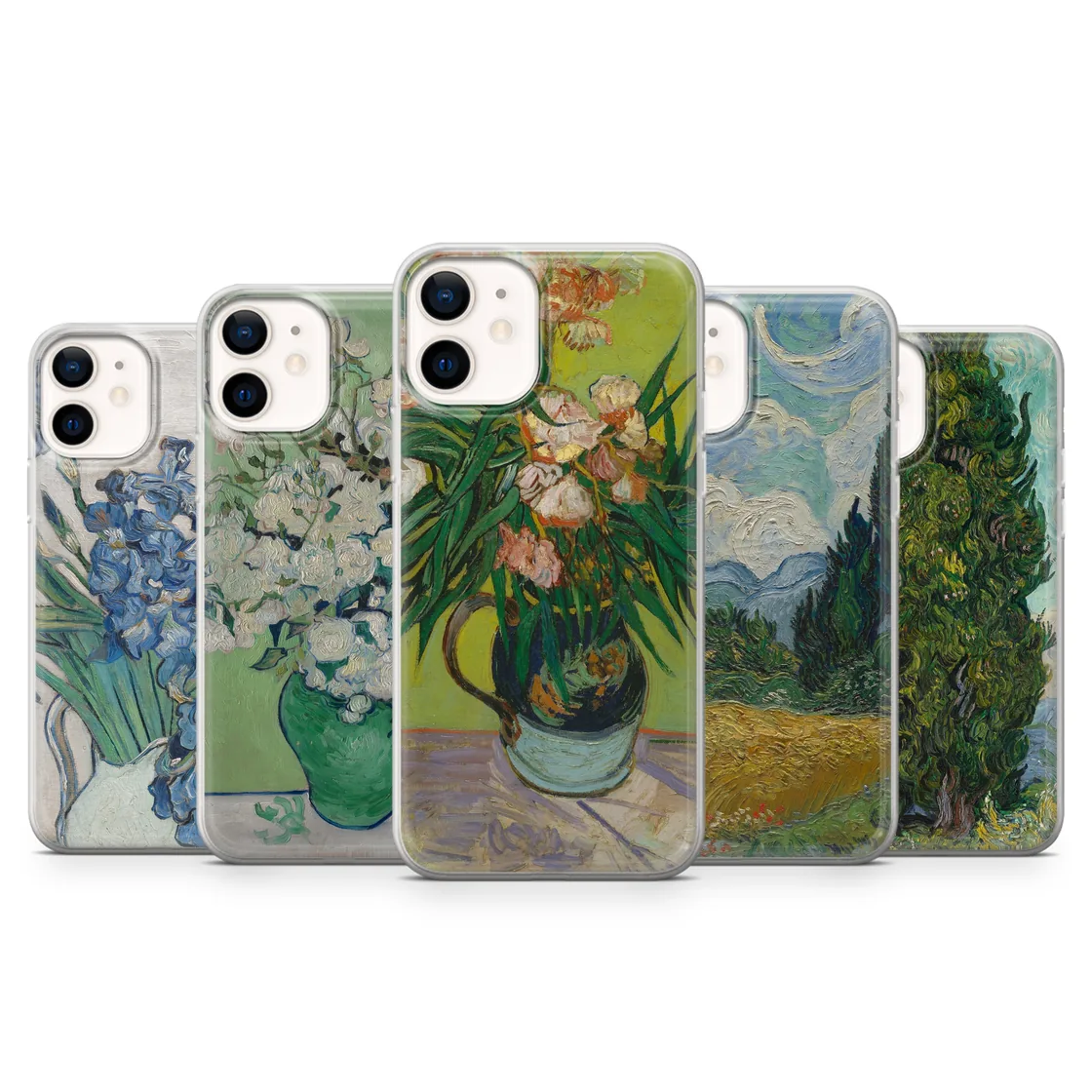
Van Gogh Phone Case Famous Flower Painting Cover for iPhone 17, Samsung S25, Pixel 10
- Photos
- 17 mockups
- Variations
- 70 phone models
- Listing copy
- Title · 13 tags · description
- Prices and shipping
- From your shop's setup
What changes when the mockups make themselves.
Shop Pilot is a phone case mockup generator that also writes the listing and posts it to Etsy.
| Task | By hand | With Shop Pilot |
|---|---|---|
| Placing designs | Open a template for each photo and line up every design yourself | Each design is fitted to the case for you |
| The camera area | Check every photo by eye | Kept clear of important art, and you see the fit first |
| Photo order | Export, rename and sort 17 files | Numbered in your photo order, in the listing folder |
| Time per listing | Minutes, every listing | About 7 seconds |
| Posting to Etsy | Upload the photos one by one | The listing is written and posted for you |
From the first photo to the shipped order.
- After the sale
Phone case orders go to Alerio
Each sale comes in with its phone model and design matched. One click puts it in your Alerio cart.
Etsy order automation - Also built in
Poster mockups
One design per listing, shown in room scenes, with every size you sell in the listing.
Poster mockups - Every mockup type
Mockup generator
Built-in phone case and poster mockups, your own PSD files, or a photo of your own blank product.
Etsy mockup generator
How do I make phone case mockups for Etsy?
Pick five designs and let auto prep fit them to the case. Shop Pilot makes all 17 photos in about 7 seconds, numbered in your photo order, with no Photoshop needed.
Do I need Photoshop to make phone case mockups?
No. The mockups are made for you, and you can move or resize any design in the dashboard's Mockup Editor.
How many photos does each phone case listing get?
17 with the built-in set: all five designs together, the case beside the phone, each design on its own, two lifestyle scenes, six info photos and two in-hand shots. Untick any you don't want and set their order once.
Is the camera area kept clear of the design?
Yes. Auto prep fits each design to the case and keeps the camera area clear of important art. You see the fit before any mockup is made.
Can I make phone case mockups in bulk?
Yes. Pick your sets of five and send them on in one go. Each set becomes its own listing folder with all 17 photos.
Which phone models does a listing cover?
The built-in phone case listing comes with 70 phone models as variations, from iPhone to Samsung Galaxy and Google Pixel, five designs each. You can paste in your own list of models and give each one its own price.
Can I use my own mockup photos?
Yes. With smart mockups you photograph your own blank case, mark the four corners of the print area, and every design you run drops straight into it.
Where do the mockups go?
Into the listing folder on your computer, numbered in your photo order. Shop Pilot can then write the listing and post it to Etsy, live or as a draft.
Does Shop Pilot make poster mockups too?
Yes. A poster listing gets one design, shown in the room scenes you pick. See poster mockups.
Can I try it before I pay?
Yes. The 5-day free trial needs no card and includes 10 mockup folders a day, on your own shop.
Your next 17 photos, in about 7 seconds.
Five days free, no card. Connect your shop and have your first listings live today.